
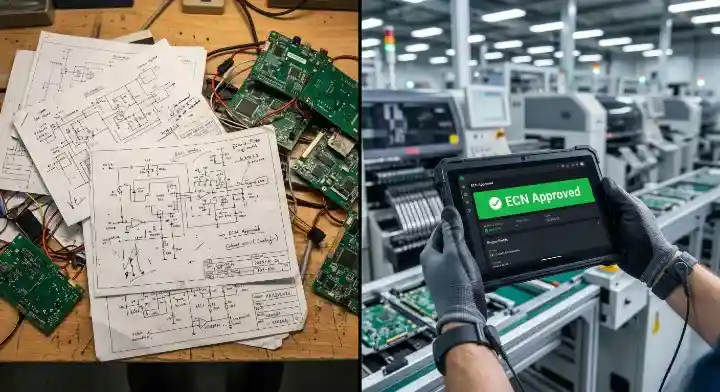
An engineering change notice (ECN) is the controlled record that announces an approved change to a released design: what changed, why, which part numbers and files are affected, what happens to existing stock and work in progress, and from which lot, order or serial number the new revision applies. For a PCB, that usually means a new revision of the Gerber or ODB++ data, fabrication drawing, BOM or test files released together, so no one builds from a mix of old and new. This guide explains how an ECN differs from an ECR and an ECO, what to put on the form, and how to cut a change into production at your fabricator or assembler.
| Record | Question it answers | Typical status |
|---|---|---|
| ECR (engineering change request) | Should we change this, and why? | Requested, under review |
| ECO (engineering change order) | Is the change authorized, and what exactly must be done? | Approved for implementation |
| ECN (engineering change notice) | Who needs to know, and from when does the new revision apply? | Released and communicated |
What Does ECN Stand For?
ECN stands for engineering change notice (some companies say engineering change notification). It is the notice that tells purchasing, production, quality and outside suppliers that a released item now has a new configuration. The underlying idea comes from configuration management: keep a known baseline, change it only through a controlled route, and be able to show what was approved and what was built (NASA Systems Engineering Handbook, 6.5).
On a PCB program, an ECN is the reason a fabricator stops panels at revision B and starts revision C, and the record that explains why boards from two lots look different.
How Do ECR, ECO and ECN Differ?
The order is request, decision, notice. An ECR raises the problem and proposes a change. The ECO is the approved instruction to implement it. The ECN communicates the released result and its effective point.
Companies do not use the terms the same way. Some fold the ECO and ECN into one form; some call the evaluation record an ECN and the authorization an ECO. What matters is that the stages are separate: nobody should build a new revision on the strength of a request that has not been assessed. Agree on the terms with your contract manufacturer before the first change, so an “ECN” from you is read as an instruction and not a question.
Which PCB Changes Need an ECN?
Any change to a released item that can alter what gets built, how it is built or how it is tested. On a bare board that includes:
- copper, drill, solder mask or legend changes in the fabrication data
- stackup, material, copper weight or surface finish changes
- tolerance, impedance, acceptance class or test requirement changes on the fabrication drawing
- panelization changes that affect assembly
On an assembly it adds BOM values and manufacturer part numbers, approved substitutes, footprints, firmware and test limits. A typo correction that cannot affect manufacturing can take a lighter approval route, but if the document is part of the released package it still gets a new revision.
A practical test: if a buyer could receive two boards with the same part number and revision that behave or look different, the change needed an ECN.
What Is the ECN Process from Request to Release?
Seven steps, each leaving a record:
- Request. Problem, proposed change, requester and evidence (failure report, supplier notice, DFM finding).
- Scope. Every affected part number, assembly, file, open order, lot and serial range, including other products that reuse the same design block.
- Impact review. Engineering, quality, purchasing and the manufacturer check cost, schedule, stock, tooling, test and customer approval.
- Disposition. Decide what happens to existing material (see below) and set the effective point.
- Revised package. Update every affected file under one new revision, and run a DFM review on the package, not on single files.
- Approve and release. Approvals as your quality system defines them; release the complete package.
- Confirm and close. The manufacturer acknowledges, builds the new revision at the effective point and returns evidence. Close the ECN only then.
Approval and implementation are different events. Approval authorizes the change; the manufacturer’s evidence shows it happened. Changes found during product introduction should go through the same route as part of your NPI release.
What Goes on an ECN Form?
There is no single mandatory template. IPC-2611, the generic documentation standard, requires revision control and approval of drawings and data files but does not publish one ECN layout (IPC-2611 contents, sections 4.4, 4.8.1 and 4.9; the 2010 edition is no longer maintained). NASA’s former configuration standard listed similar fields for a change proposal: number, revision, title, affected items, description, reason, affected documents and where the change takes effect. A PCB-oriented form:
| Field | What to write |
|---|---|
| ECN number, title, owner, date | Unique, searchable ID |
| Affected items | Board and assembly part numbers, variants, next-higher assembly |
| Old and new revision | e.g. “PCB 1234-01 rev B → rev C” |
| Reason | Problem and evidence, separate from the fix |
| Change description | Exact before and after; marked-up drawing or BOM redline |
| Affected files | Gerber/ODB++, drill, fabrication drawing, stackup, BOM, centroid, assembly drawing, test program, firmware |
| Stock and WIP | Open orders, bare boards, kitted parts, assemblies in process, finished goods |
| Disposition | Use as-is, use until depleted, rework, return, hold or scrap, per location |
| Validation | Review, sample build or test required, with acceptance criteria |
| Approvals | Engineering, quality, purchasing, customer where required |
| Effective point | Lot, work order, purchase order or serial number |
| Implementation evidence | Manufacturer acknowledgment and first-lot reference |
Mark fields that do not apply as “N/A” with a reason, so a blank never hides a decision. The release itself should attach the complete PCB assembly documentation package, not a single changed file.
What Happens to Inventory and Work in Progress?
Each place the old revision exists needs its own instruction:
| Disposition | When it fits |
|---|---|
| Use as-is | Old revision is still acceptable for a stated scope |
| Use until depleted | A running change is allowed; segregate and trace both revisions |
| Rework | Existing boards can be brought to the new revision, with inspection |
| Return | The supplier or owner takes material back |
| Hold | Decision pending; quarantine physically and in the system |
| Scrap | Not usable or not worth reworking; record quantities |
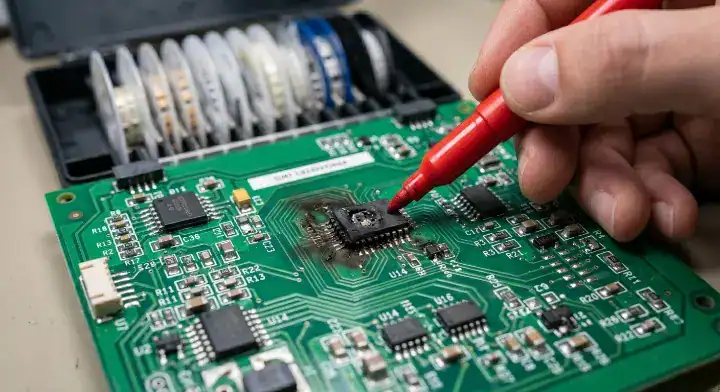
For bare boards, check where the order is before you send the ECN. Panels already laminated or plated at revision B cannot become revision C; you choose between accepting them, scrapping them or holding them. Stencils, test fixtures and programmed parts are the other usual casualties of a late change on an SMT assembly line.
How Should Component Substitutions Be Controlled?
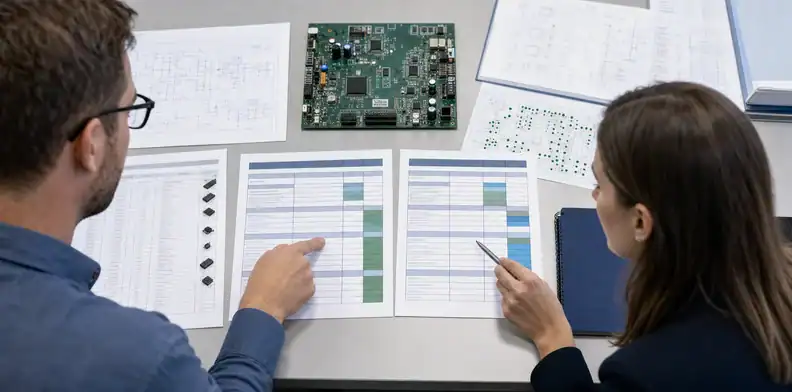
Through the ECN, not by email. A distributor’s “compatible” label is a starting point; the review should cover package and land pattern, pinout and polarity, electrical ratings, thermal behavior, programming, lifecycle and approved-source requirements. Passive parts can matter too: a capacitor with the same value but a different dielectric or voltage rating can behave differently under bias and temperature.
Collect candidates with the component shortage alternatives process, then release the chosen part through the ECN so the BOM, approved manufacturer list, drawings and test limits change together.
What Do Changes Cost, and When?
The later the change, the more it costs, because more has already been bought and built. List the cost drivers instead of guessing a number:
- engineering, DFM and document-control time
- new bare boards, stencils, fixtures and programming
- scrap, rework, returns and non-cancellable orders
- repeated validation or customer approval
- schedule: long-lead parts, new PCB or stencil lead time, hold on shipments
Get estimates from the people who own each item, and mark early estimates as estimates.
How Do You Prevent Revision Mix-Ups?
Treat the release package as one controlled set, and make the revision visible on the product itself:
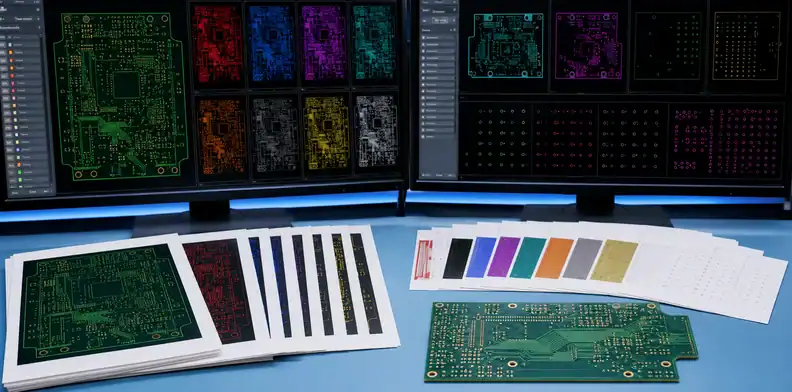
- Put the part number and revision in the copper or legend of the board, and on the fabrication drawing, not only in file names.
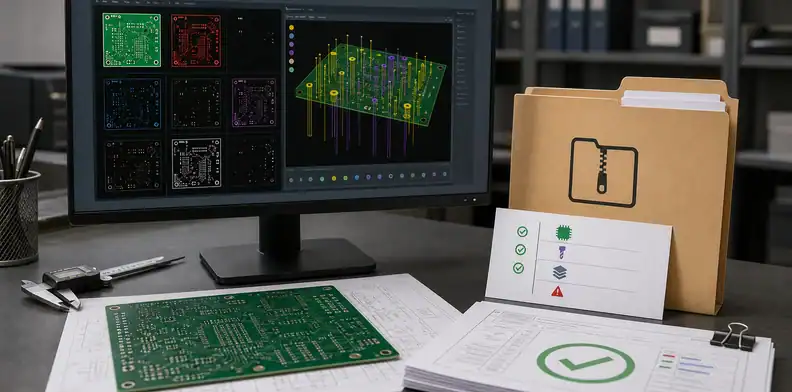
- Release one zipped, revision-labeled package per change; never send a single replacement file.
- Keep one authoritative release location; superseded revisions stay archived but not available for production.
- Ask the manufacturer to confirm the revision on the quote, the order acknowledgment and the shipping label.
- Record which revision went into which lot or serial range.
ISO 10007 frames this as configuration identification, change control, status accounting and audit; ASME Y14.35 covers revising engineering drawings. For software and firmware held in the same package, NIST SP 800-128 applies the same ideas to configuration of information systems.
How Can We Help?
A revision is easier to approve when you already know what it does to price and lead time. QueenEMS quotes bare boards within 2 hours, so you can price the revised package while the ECN is still under review, and you can run the new Gerber or ODB++ files through our free DFM check before release. Put the new revision letter on the files and the fabrication drawing, and tell us the effective point if an earlier revision is on order.
Conclusion
An ECN is the controlled notice that a released design has changed: what, why, which files and stock, and from when. Keep request, approval and notice as separate stages, release every affected file under one new revision, give each location of old stock its own disposition, and close the ECN only when the manufacturer shows the new revision was built. Contact us with your revised files, the ECN number and the effective point for a quote.
FAQ
What does ECN stand for in engineering? Engineering change notice: the record that communicates an approved change to a released design and when it takes effect.
What is an ECO in manufacturing? An engineering change order, the approved instruction to implement a change. Many companies issue it between the ECR and the ECN.
What is the difference between an ECR and an ECO? An ECR asks for a change and gives the reason; an ECO authorizes it after review.
Does every BOM change need an ECN? Yes, if the BOM is part of the released package. The depth of review can be lighter for low-risk changes, but the revision must change.
Can a component substitution be approved by email? No. Email can collect information, but the approval, BOM revision and effective point belong in the change record.
Upload your files today · Free DFM check before production · Ship worldwide
Get your PCB prototypes in as fast as 24 hours. We handle FR4, Rogers, and hybrid boards up to 40 layers in volume production, with advanced builds subject to engineering review — free prototypes for 2–4 layer FR-4 boards, no minimum order.
Just upload your Gerber + BOM — we source every part, assemble, and inspect (AOI + X‑Ray) so you don't have to chase suppliers. Boards ship in as fast as 24 hours.