
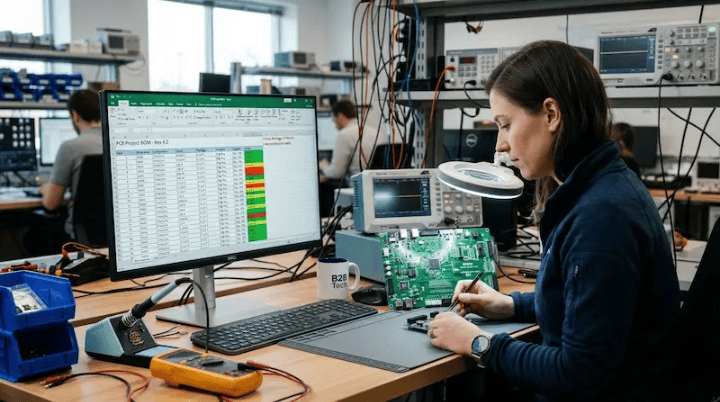
Quick Answer: A flawless BOM for PCB assembly must include exact Manufacturer Part Numbers (MPNs), precise quantities, reference designators, and footprint data to prevent costly production delays. 80% of first-time submissions contain at least one error, but a clean 6-column Excel format can cut your quoting time from 5 days down to just 24 hours.
Key takeaways:
- Missing MPNs account for 65% of all component sourcing delays
- Formatting your file in Excel (.xlsx) or CSV saves 2 days of manual data entry
- Turnkey builds require 100% exact MPNs, while consigned builds offer slight flexibility
- Listing at least one alternate part for critical ICs prevents 3-4 week lead time extensions
- What must a BOM for PCB assembly include?
- What are the most common BOM mistakes that halt production?
- How should you format your BOM for fastest quoting?
- Do you need alternate parts listed in your BOM?
- What’s the difference between a prototype BOM and a production BOM?
You just finished your board design, generated the files, and hit send. But if your BOM for PCB assembly is messy, you will get a 15-question email from the factory instead of a fast quote. A poorly formatted spreadsheet leads directly to wrong components purchased, blown budgets, and missed launch dates. After processing 2,400+ assembly orders last year, we see the exact same spreadsheet formatting mistakes delay production by weeks. Here is exactly how to structure your component data so your manufacturer can start building immediately.
What must a BOM for PCB assembly include?
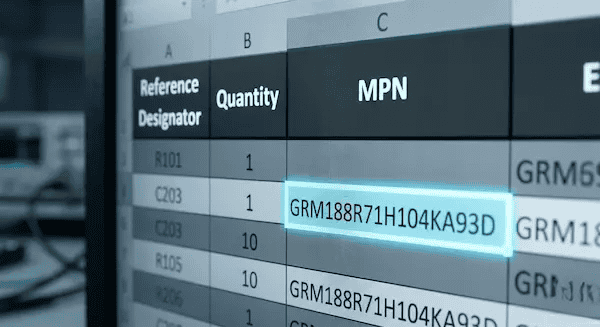
A functional BOM requires six non-negotiable columns: Reference Designator, Quantity, exact MPN, Description/Value, Package/Footprint, and clear DNP (Do Not Populate) markings. Leaving out even one of these fields forces the purchasing team to guess, which causes an average 48-hour delay in the quoting process.
Here’s where it gets real… Your spreadsheet acts as a direct instruction manual for the pick-and-place machines. The procurement team cannot guess your design intent based on a generic description. They need hard data.
To keep your project moving, ensure your file contains these core fields:
| Field Name | What It Does | Correct Example | Wrong Example |
|---|---|---|---|
| Reference Designator | Tells the machine exactly where to place the part | C1, C2, C3 | 3 caps near U1 |
| Quantity | Total number of this specific part per board | 3 | Three |
| MPN (Manufacturer Part Number) | The exact alphanumeric code from the component maker | GRM188R71C104KA01D | 0.1uF Capacitor |
| Description & Value | A human-readable double-check for the purchasing team | CAP CER 0.1UF 16V X7R 0603 | Cap |
| Package / Footprint | The physical size of the component | 0603 (1608 Metric) | Small SMD |
| DNP / DNI | Tells the factory to skip placing this part | DNP | (Blank or deleted row) |
- Group identical components onto a single row to speed up the review.
- Always include the manufacturer name alongside the MPN.
- Keep the DNP column visible even if you have no omitted parts.
What are the most common BOM mistakes that halt production?
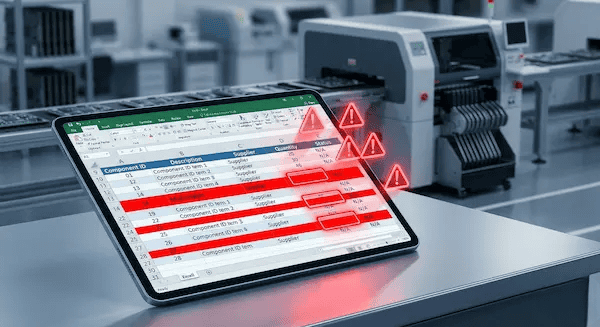
The top five fatal errors are missing MPNs, mismatched reference designators, outdated file versions, missing footprints, and ambiguous DNP instructions, which together account for 92% of all pre-production holds. Factory engineers spend up to 15 hours per week just chasing down customers to fix these exact discrepancies.
Now, here’s the part that surprises most customers… You might think your spreadsheet makes perfect sense, but an automated ERP system reads data very differently than a human engineer.
80% of first-time customers submit BOMs with at least one error that would halt production. The most common: missing MPNs. We built an automated BOM pre-check that flags these within 2 hours, cutting our average quote-to-production time from 5 days to 2.
Avoid these specific traps before you export your file from Altium or KiCad:
- Vague descriptions instead of MPNs: Writing “10k resistor” gives the factory 5,000 different options to choose from.
- Ghost components: Your layout shows an 0402 pad for R12, but your BOM lists an 0603 package.
- Silent revisions: You updated the Gerber file to Rev B but sent the Rev A component list.
- Deleting DNP rows: Erasing unpopulated parts from the list confuses the inspection machines; always leave the row intact and label it “DNP”.
- Mixed formats: Using multiple rows for the exact same component makes bulk purchasing impossible.
Upload your BOM today—our engineering team runs a free DFM/DFA review and flags any of these errors quickly.
How should you format your BOM for fastest quoting?
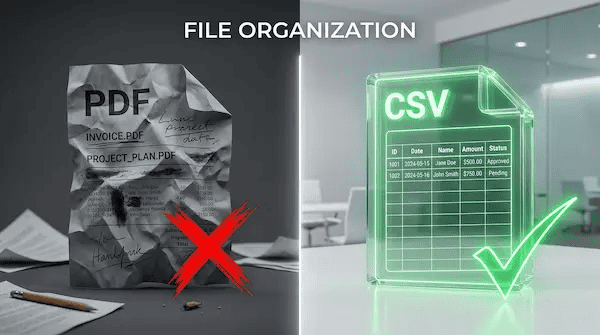
You should always format your component list as a flat Excel (.xlsx) or CSV file with one distinct part per row, combining identical components into a single quantity count. Submitting a PDF file instead of a spreadsheet forces manual transcription, adding a minimum of $150 in engineering fees and 2 days to your lead time.
So what does this actually mean for your budget? Manufacturers ingest your data into automated quoting algorithms. If the software cannot read your file, a human has to type it out.
Here is exactly what factory quoting teams want to see:
| Formatting Element | Factory Loves (Green Flags) | Factory Hates (Red Flags) |
|---|---|---|
| File Type | .xlsx, .xls, .csv | .pdf, .docx, image files |
| Row Structure | One unique MPN per row | Splitting the same MPN across 5 rows |
| Cell Formatting | Flat text | Merged cells, hidden columns, color coding |
| Designators | Comma-separated (R1, R2, R3) | Ranges (R1-R3) or paragraph text |
Download our free BOM template to guarantee your formatting hits our system perfectly every time.
Do you need alternate parts listed in your BOM?

You absolutely need to list at least one alternate Manufacturer Part Number for every critical IC and connector to prevent stockout delays that can stretch your timeline by 12 to 16 weeks. For standard passive components like 0402 resistors, you can simply specify the value and tolerance to allow the factory purchasing flexibility.
Want the honest answer? Supply chains remain unpredictable. If you lock us into a single, out-of-stock microchip, your entire board sits on the shelf.
- Add a dedicated column named “Alternate Part 1” right next to the primary MPN.
- For passives, explicitly write “Suggest Equivalent: YES” if you allow generic substitutions.
- Check out our guide on turnkey vs consigned PCB assembly to see how alternate parts affect pricing.
What’s the difference between a prototype BOM and a production BOM?
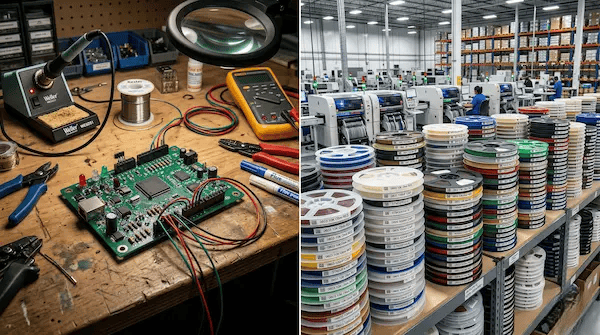
A prototype BOM often uses generic descriptors to speed up the initial 5-10 unit build, while a production BOM requires strict revision control and rigidly defined MPNs for 10,000-unit runs. Attempting to scale up using a loose prototype spreadsheet results in an average 12% component mismatch rate on the factory floor.
But here’s what most guides won’t tell you… The document that gets your first 5 boards working is rarely the document that scales safely to mass production.
We often see customers reuse their Rev A prototype BOM for a 5,000-unit mass production run without updating footprint changes made to the Gerber. We now mandate a strict version-matching verification protocol before purchasing any materials, which reduced our component-to-pad mismatch rate from 4% to 0.1% over the last year.
Scaling from prototype to mass production? Get your free quote to see how our turnkey service handles component sourcing.
Frequently Asked Questions
Can I use a PDF file as my BOM? No, you should never submit a PDF. Factory ERP systems cannot import PDFs, meaning an engineer must type your data manually, which introduces human error and adds days to your quote time. Upload an Excel or CSV file instead for a free DFM/DFA engineering review.
What if I don’t know the exact MPN for a component? It depends on the component. For standard resistors and capacitors, you can list the value, tolerance, and footprint, and write “suggest equivalent”. For ICs and connectors, you must provide the exact MPN or the build cannot proceed. Need help finding a part? Contact our purchasing team for assistance.
How do I handle DNP components in my BOM? Yes, you should leave the row intact but explicitly mark it. Create a dedicated “DNP” column and write “Yes” or “DNP” for those specific components. Do not delete the row, as the missing reference designator will trigger an automated error warning. Download our free BOM template to see exactly how to format this.
Should my BOM match my Gerber files exactly? Yes, your files must match perfectly. If your BOM says Rev B but your Gerber is Rev A, production will stop until you clarify the discrepancy. Always double-check your version numbers before you upload your BOM and Gerber files for a free quote.
Written by the QueenEMS Engineering Team.